
Cross-Departmental Approval Routing
Multi-tier management approval workflows with automated escalation triggers and conditional branching rules.
We design and engineer enterprise process automation engines — replacing manual email approvals, disconnected spreadsheets, and repetitive task delays with automated, self-executing workflow pipelines.
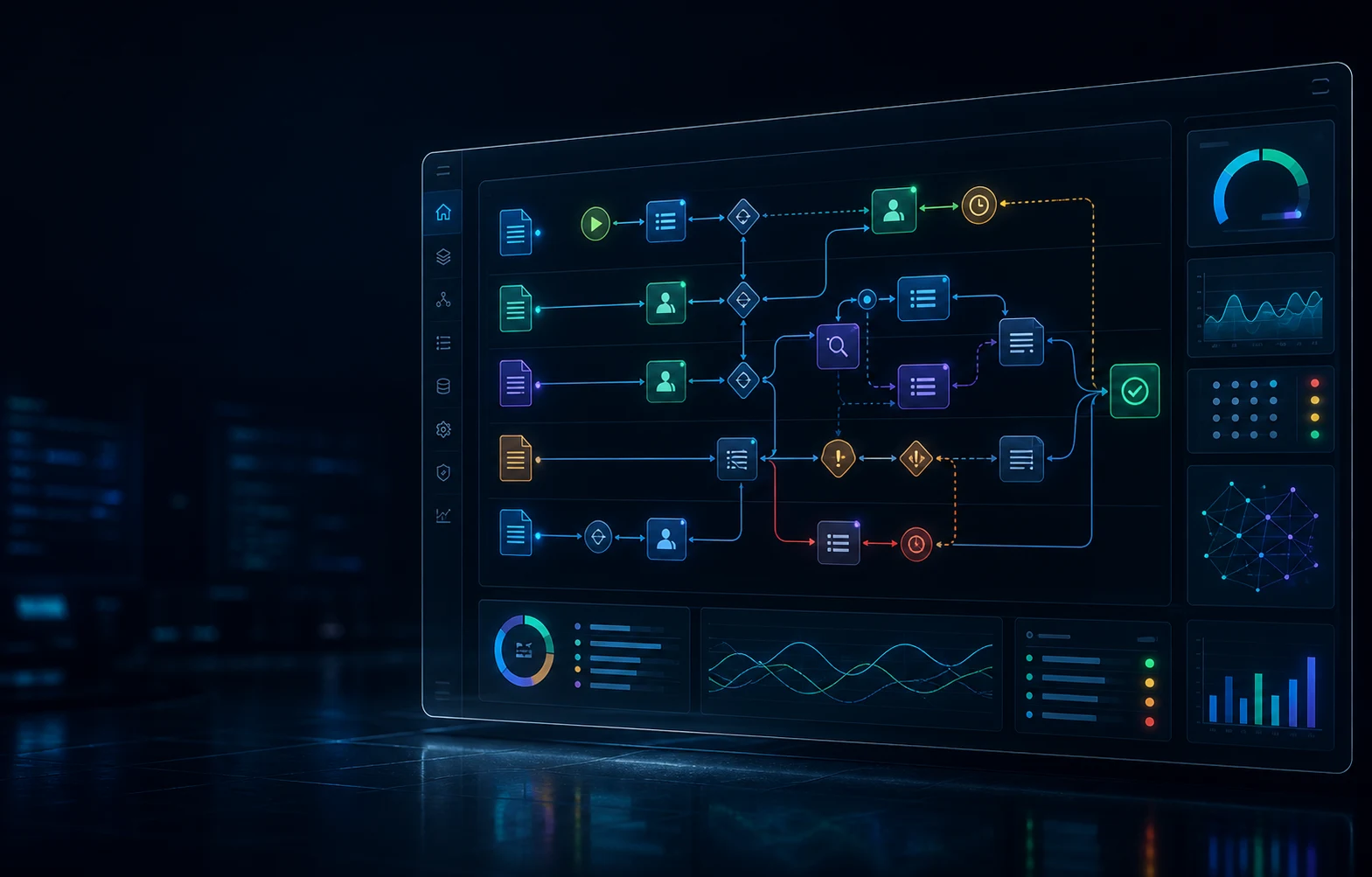
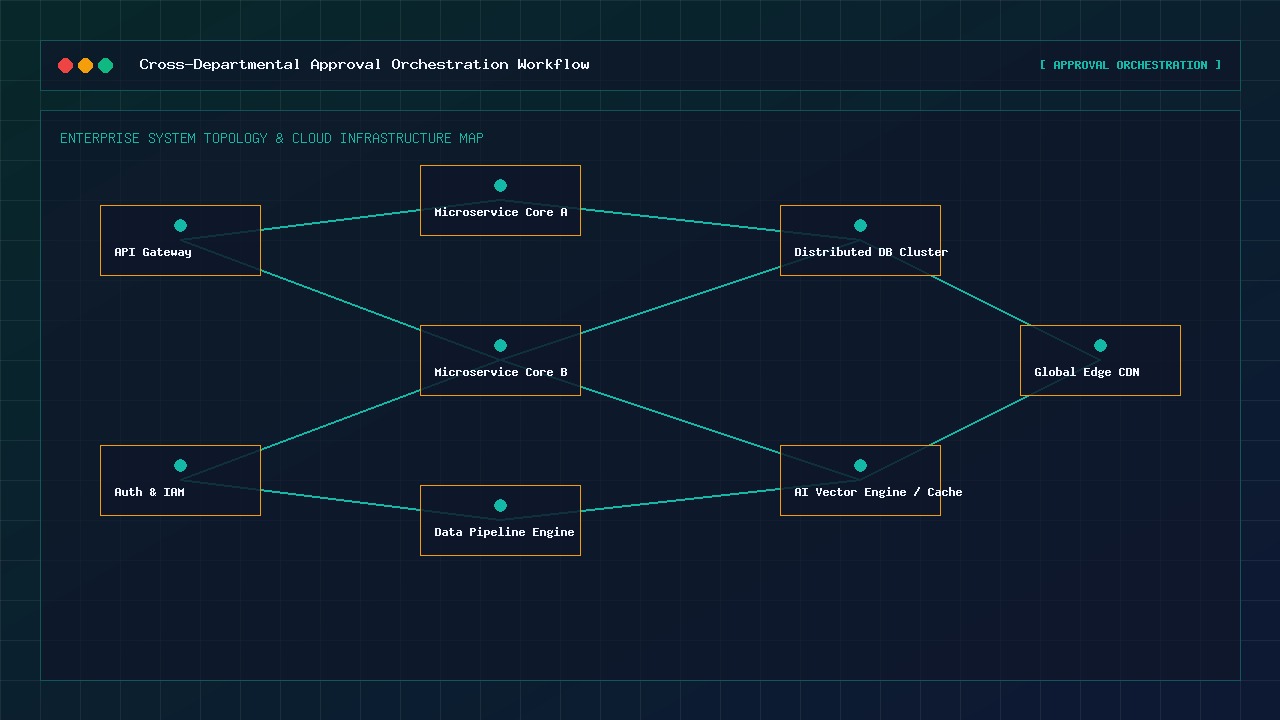 Approvals, SLAs, and escalations in one flow
Manual email signoffs and untracked paper requests create operational friction and compliance risks. Our workflow orchestration engine maps complex multi-department approval rules into automated, self-executing pipelines.
Whether routing purchase order approvals, employee onboarding tasks, or customer refund signoffs — our systems enforce strict SLA escalation timers and log every action in an immutable audit trail.
Conditional decision-tree logic with multi-level manager approvals.
Automated SLA countdown timers with escalation notifications.
Immutable event audit logs for compliance and regulatory reporting.
Instant notifications via Slack, Microsoft Teams, email, and SMS.
Six foundational pillars engineered into every process automation platform.
Multi-tier management approval workflows with automated escalation triggers and conditional branching rules.
Asynchronous event routing, webhook triggers, Celery, and Redis message queues for instant high-concurrency execution.
Instant PDF invoice generation, contract compilation, executive report emailing, and cloud document archive sync.
Executive telemetry dashboards tracking task completion velocity, bottleneck alerts, and operational SLA adherence.
Automated two-way data sync between SAP, Salesforce, HubSpot, QuickBooks, Shopify, and SQL databases.
Automated error detection with instant fallback and human-in-the-loop manager override review queues.
High-volume business processes require robust background task processing that never blocks user interfaces or causes timeouts. We build asynchronous queue architectures using Redis, Celery, and Apache Kafka.
Sub-second background task queue dispatching with automatic retries.
Distributed queue workers scaling dynamically based on load volume.
Dead-letter queues (DLQ) for failed payload inspection and replay.
Webhook event integration connecting internal & external APIs.
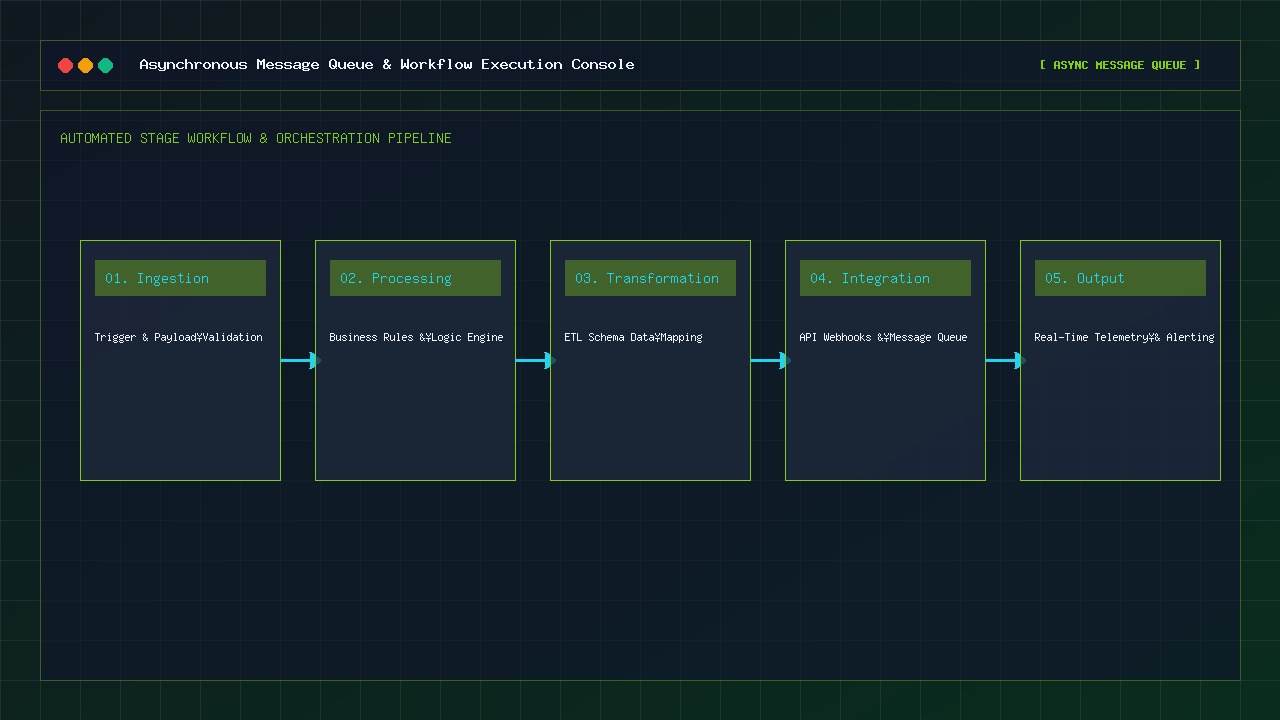 Reliable queues with retries and replay controls
Reliable workflow automation combines clear ownership, deliberate exception handling, traceable decisions, and continuous operational improvement.
Named owners, versioned rules, permissions, and change approvals prevent workflows from becoming unmanaged black boxes.
Retries, dead-letter queues, review tasks, escalation paths, and replay controls keep edge cases recoverable.
Event histories, approval context, timestamps, and data lineage make automated decisions easier to review and explain.
Cycle time, queue depth, touch time, rework, and SLA trends reveal where the next process improvement matters.
Enterprise tools selected for reliability, high concurrency, and secure API connectivity.
Workflow bottleneck audit, ROI calculation, and scope definition.
Decision tree blueprint, API trigger mapping, and exception rule design.
Workflow engine setup, message queue worker build, and API integration.
Edge-case scenario testing, load testing, and security verification.
Production rollout, automated queue monitoring, and staff handover.
Continuous telemetry monitoring, SLA tuning, and workflow expansion.
Process automation focuses specifically on orchestrating tasks between existing software tools, databases, and employees using self-executing workflow engines — eliminating manual data transfer and approval delays.
We build exception handling with retry policies, idempotency controls, dead-letter queues, and alert notifications. Failed payloads can be inspected, corrected, and replayed through a controlled recovery path.
Yes, we build custom REST/GraphQL endpoints, database triggers, and webhook connectors that seamlessly query and update internal PostgreSQL, MySQL, SQL Server, and MongoDB databases.
When a workflow task is assigned to a manager, an automated SLA timer begins. If signoff is not completed within the designated window (e.g. 4 hours), the system automatically re-routes the task to a secondary approver and sends an alert.